
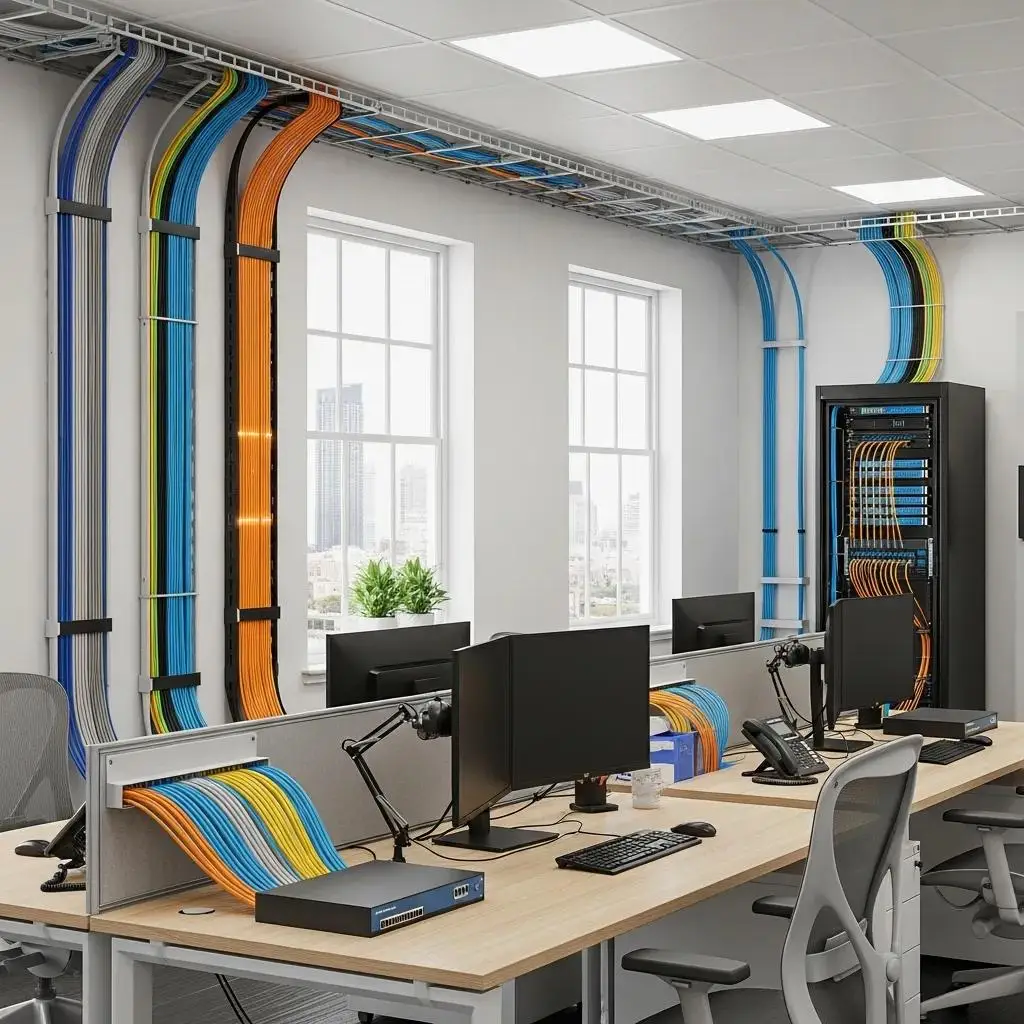
For Phoenix-area businesses, the network is the backbone of daily operations — point-of-sale systems, VoIP phones, security cameras, and cloud-based software all depend on it. Whether you’re wiring a new build-out in Chandler, upgrading dated cabling in a Tempe office, or adding Wi-Fi coverage to a Mesa warehouse, the mix of cabling and wireless technology you choose has a direct effect on speed, reliability, and uptime. This guide covers the cabling and wireless options used in commercial installations, why structured cabling and Wi-Fi work best as partners rather than alternatives, and the planning steps — site surveys, testing, labeling, and scalability — that keep a network dependable for years. We’ll also look at what drives installation cost and ROI, and what to weigh when tying smart building technology into a commercial network.
What Are the Main Types of Commercial Network Cabling?
Most commercial buildings in the Phoenix Metro area run on a mix of copper and fiber cabling, chosen based on distance, bandwidth, and budget.
- Cat6 Cabling: The current standard for most commercial installations, Cat6 supports gigabit speeds and handles the everyday mix of workstations, VoIP phones, and Wi-Fi access points found in a typical office or retail space.
- Cat6A Cabling: A heavier-gauge, better-shielded version of Cat6, built for longer runs and higher sustained speeds. It’s a good fit for data centers, server rooms, and buildings where cabling runs near electrical conduit or HVAC equipment — a common consideration in Phoenix’s commercial and industrial spaces.
- Fiber Optic Cabling: Fiber carries data as light rather than electrical signal, giving it higher bandwidth, longer usable distances, and immunity to electromagnetic interference. It’s the right choice for connecting buildings on a campus, linking network closets on different floors, or supporting bandwidth-heavy applications.
- Coaxial Cabling: Less common for new data installations today, coax still shows up in legacy CATV runs and some security camera systems, and is worth accounting for during a cabling audit.
Choosing the right cable type for each run — rather than defaulting to one option throughout a building — is one of the simplest ways to control cost while still meeting performance needs.
Planning Your Wireless Network: Access Points and Site Surveys
Wireless network solutions give employees and guests the flexibility to connect from conference rooms, sales floors, or warehouse aisles without being tied to a jack. But reliable Wi-Fi in a commercial space rarely happens by accident — it starts with proper planning.

- Site Surveys: A pre-installation site survey maps out building materials, layout, and potential interference — block walls, metal shelving, and stucco-and-lath construction common in Phoenix commercial buildings can all affect signal strength — so access points are placed where they’ll actually perform.
- Access Point Placement and Capacity: The right number and placement of access points depends on square footage, the number of connected devices, and how the space is used, not just how it’s shaped. A warehouse with dozens of handheld scanners has very different needs than an open-plan office.
- Coverage vs. Density: Some environments need broad coverage; others, like conference rooms or retail checkout areas, need enough capacity to handle many devices in a small footprint at once.
Getting this planning right up front helps avoid the dead zones and dropped connections that come from treating Wi-Fi as an afterthought.
How Structured Cabling Keeps a Network Organized and Ready to Grow
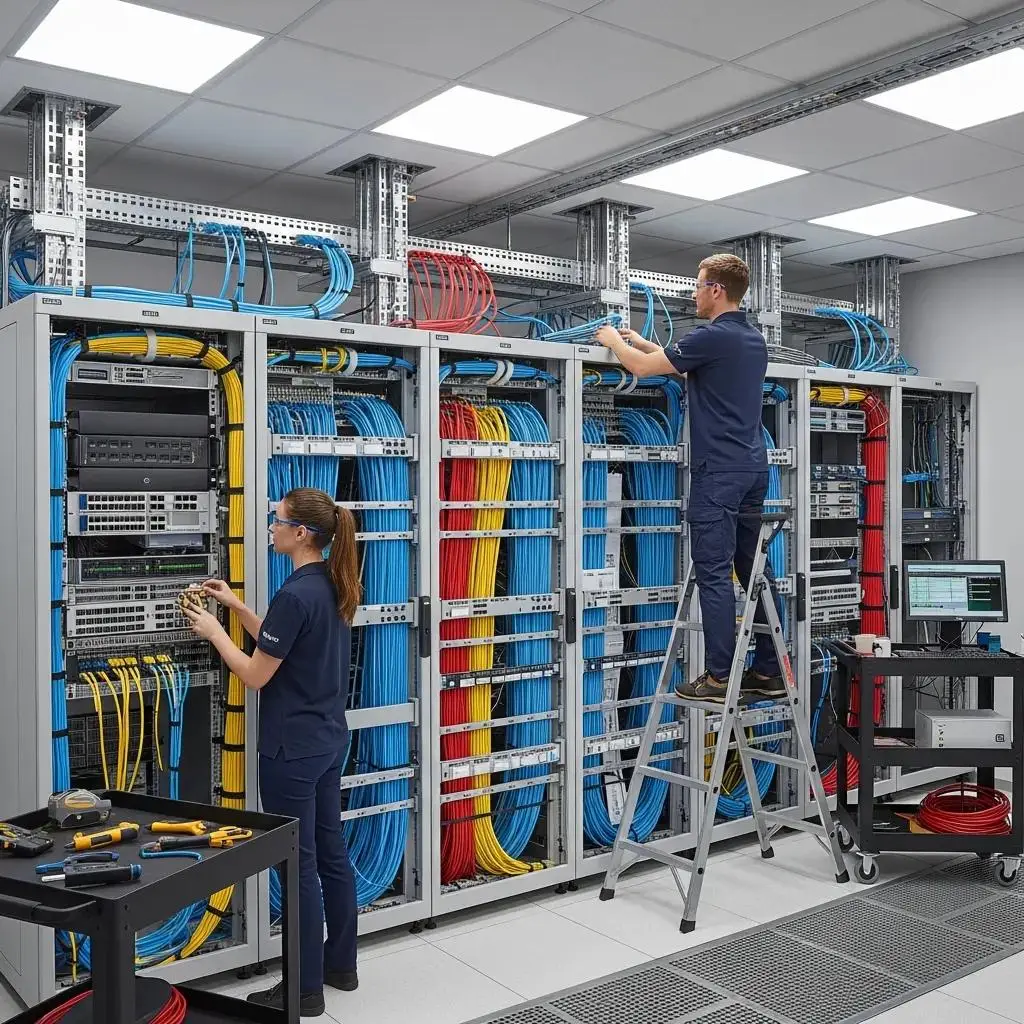
Structured cabling is a standardized approach that organizes a building’s cabling, patch panels, racks, and network switches into one coherent system rather than a patchwork of one-off runs. In practice, that means:
- Racks and Patch Panels: Centralizing connections in a rack with labeled patch panels makes it easy to see what’s connected to what, troubleshoot faster, and make changes without disturbing other cabling.
- Cable Labeling: Every run labeled at both ends — a small step that pays off the first time something needs to be traced, moved, or repaired.
- Scalability: A structured system makes it straightforward to add a workstation, camera, or access point later without re-running cable throughout the building.
- Reliability: Organized, properly terminated cabling reduces the everyday issues — loose connections, crosstalk, accidental disconnects — that cause outages.
A little organization at installation time is what makes a network easy to maintain and expand for years afterward.
Wired and Wireless Networks Work Better Together
Wired and wireless networks aren’t really competitors — most commercial networks depend on both. Wireless access points still need a wired connection back to a switch, so the wired backbone is what makes reliable Wi-Fi coverage possible throughout a building.
| Aspect | Wired Connections | Wireless Connections |
|---|---|---|
| Best for | Desktops, servers, printers, POS terminals — devices that stay in one place | Laptops, tablets, phones, and other devices that move around the space |
| Performance | Consistently fast with minimal interference | Very good, but can vary with distance, walls, and device density |
| Flexibility | Fixed to the location of the jack | Easy to extend coverage without new cable runs |
| Typical role | The backbone connecting switches, servers, and access points | The “last few feet” of connectivity for people and mobile devices |
Choosing the Right Mix
Rather than asking “wired or wireless,” it’s usually more useful to ask which devices and areas need which connection type:
- Fixed, high-throughput equipment — servers, security recorders, point-of-sale stations — generally performs best on a wired connection.
- Employee and guest mobility — laptops, phones, tablets, and handheld scanners — is what Wi-Fi is built for.
- Existing infrastructure matters too: a building with usable cabling already in place may only need targeted upgrades rather than a full rebuild.
Most Phoenix-area businesses end up with a hybrid network: a solid wired backbone supporting well-planned wireless coverage layered on top.
Testing, Certification, and Documentation: Verifying the Work
A cabling installation isn’t finished when the last connector is crimped. Every run should be tested and certified to confirm it meets performance standards for the cable category installed — checking for wire mapping errors, length, and signal loss before it’s handed off. Combined with clear labeling and as-built documentation, this gives a business (and any technician who works on the network later) a reliable record of what was installed and how it’s performing, rather than having to guess.
Building a Network That Can Grow and Stay Protected
A commercial network should be planned to handle both future growth and everyday security risks.
- Scalability: Leaving spare capacity in racks, patch panels, and switch ports makes it much easier to add users, devices, or locations later without a disruptive redo.
- Network Segmentation: Separating guest Wi-Fi, security systems, and internal business traffic onto different networks limits how far a problem on one segment can spread.
- Access Control and Monitoring: Firewalls, updated equipment firmware, and monitoring for unusual activity all reduce risk, though no network can be made completely immune to threats — ongoing maintenance matters as much as the initial setup.
- Physical Security: Keeping network racks and equipment in a secured, access-controlled space is an easy step that’s often overlooked.
Thinking through scalability and security at the design stage is far less costly than retrofitting either one after a problem shows up.
Smart Building Technology for Commercial Properties
A capable network is also what makes smart building technology possible — lighting, HVAC, access control, and security systems increasingly run on the same infrastructure as everyday IT.
Benefits of Integrating Smart Building Technologies
- Energy Efficiency: Smart systems can adjust lighting and climate control based on occupancy and schedules, helping lower utility costs.
- Operational Savings: Automating routine building functions reduces the manual work needed to manage them.
- A Better Experience: Employees and tenants benefit from more comfortable, responsive spaces.
How Network Installation Supports Smart Commercial Environments
A properly designed network gives these systems the bandwidth and reliability they need to function well:
- Real-Time Monitoring: Building systems can be tracked and adjusted as conditions change.
- Automation: Connected systems can respond to occupancy, time of day, or environmental conditions automatically.
- Room to Grow: A well-planned network can absorb additional smart devices over time without a redesign.
Cost and ROI: What Influences Your Network Investment
Several factors shape both the upfront cost and long-term return of a commercial network installation:
- Initial Setup Costs: Cable type, the number of drops, and the complexity of the space (existing walls, ceiling height, distance between rooms) all affect installation pricing.
- Long-Term Savings: A well-designed, properly documented network typically costs less to maintain and troubleshoot over time than one built piecemeal.
- Impact on Operations: Faster, more reliable connectivity reduces downtime and the productivity loss that comes with it — often the biggest driver of real ROI.
Planning Your Network Infrastructure: Questions to Ask Before You Build
Before starting a commercial cabling or wireless project, it’s worth working through a few questions:
- What does the business actually need today? Device count, applications, and growth plans should drive the design — not the other way around.
- How much room is there to grow? Planning spare capacity now is far cheaper than adding it later.
- What’s the budget, and how does it balance against long-term value? The lowest upfront cost isn’t always the most cost-effective choice over the life of the network.
Working through these questions early — ideally with an experienced installer who can walk the space — helps avoid both under-building and overspending.
Serving Phoenix-Area Businesses
Planet Geek LLC is based in Chandler, Arizona, and installs and supports commercial network cabling and wireless systems for businesses throughout the greater Phoenix Metro area, including Chandler, Tempe, Mesa, Gilbert, and Scottsdale. From site surveys and structured cabling to wireless access point design and smart building integration, our team works directly with local businesses to build networks suited to Arizona’s commercial spaces — from single-office buildouts to multi-location deployments.
For more information on network solutions, Planet Geek LLC offers comprehensive services.
Frequently Asked Questions
How do I know if my business needs Cat6 or Cat6A cabling?
Cat6 is sufficient for most everyday office use — workstations, VoIP phones, and standard Wi-Fi access points. Cat6A is worth the extra cost for data centers, server rooms, longer cable runs, or spaces where cabling has to run near electrical conduit or HVAC equipment, since it handles higher sustained speeds with less interference.
Do we need a site survey if we're only adding a few Wi-Fi access points?
It’s still a good idea. A site survey accounts for building materials, layout, and existing interference — factors that vary a lot across Phoenix-area commercial spaces, from block-wall warehouses to stucco office buildings — so even a small access point addition lands in the right spot the first time.
Is wireless less secure than a wired network?
Wireless networks do introduce some additional considerations, like unauthorized access attempts, that wired connections don’t face in the same way. With proper network segmentation, access controls, and updated equipment, wireless can be run securely — though no network, wired or wireless, can be made completely risk-free, which is why ongoing monitoring matters.
How long does a commercial cabling installation typically take?
Timelines depend on the size of the space, the amount of existing infrastructure, and the scope of the project. A single-office buildout moves much faster than a multi-floor or multi-location installation. We can provide a realistic timeline after walking the space during a consultation.
What areas does Planet Geek LLC serve?
We’re based in Chandler and serve commercial customers throughout the greater Phoenix Metro area, including Tempe, Mesa, Gilbert, and Scottsdale.
Ready to Build a Network You Can Rely On?
Whether you’re planning a new office buildout, adding Wi-Fi coverage to a warehouse, or untangling a cabling system that’s grown piecemeal over the years, Planet Geek LLC can help you design a network built for how your business actually operates. Schedule a free consultation with our team, and we’ll walk your space, talk through your goals, and put together a plan built for the way your business runs.
Call 480-766-0025 or email info@planetgeekllc.com to schedule your free consultation. You can also reach us at planetgeekllc.com or visit us at 3205 N Arizona Ave Suite A05, Chandler, AZ 85225.